
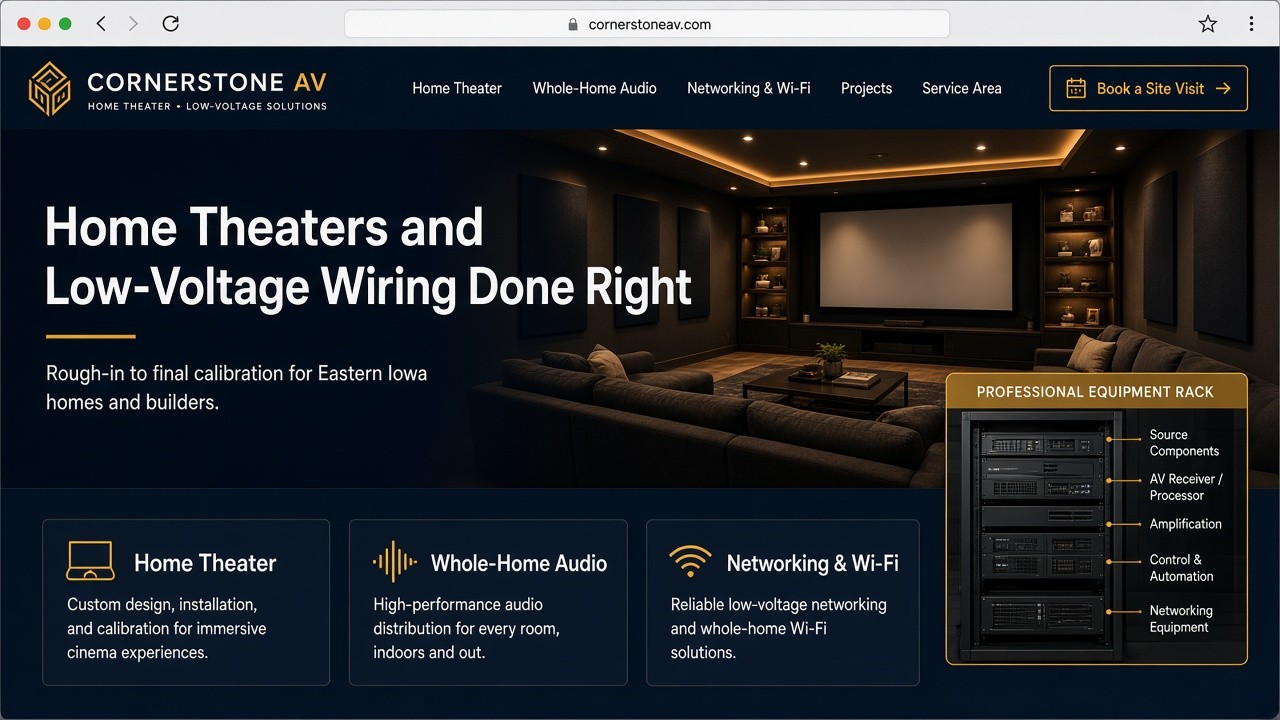
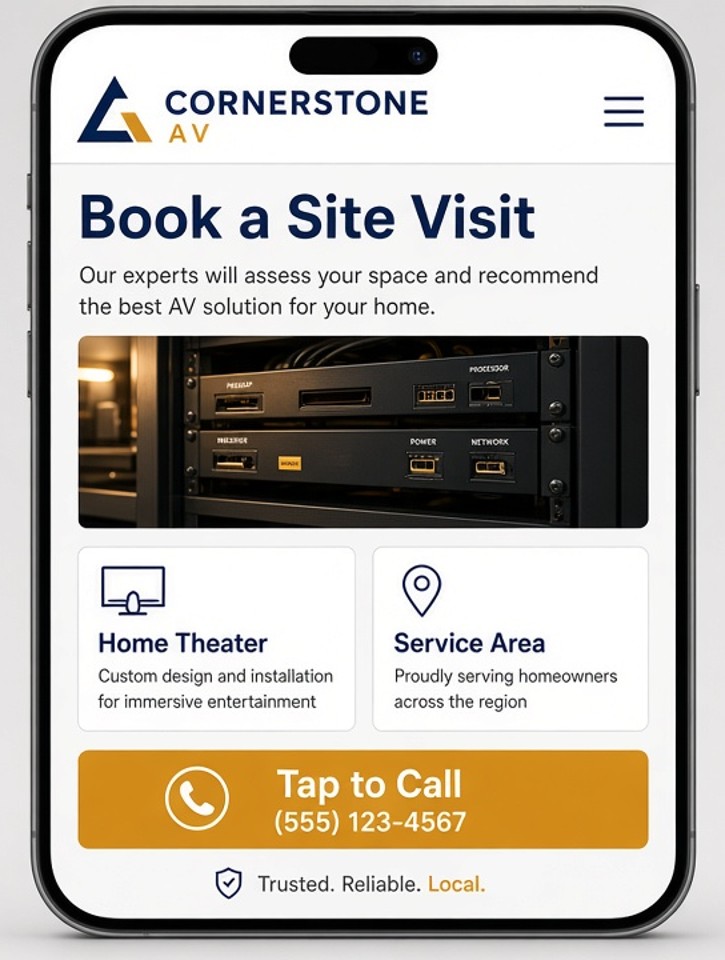
A home theater and low-voltage AV installer’s website has one job: help a homeowner, builder, or office manager see right away what you install, where you work, and how to book a site visit. Put your services, what a rough-in includes, brands you support, service area towns, and phone number in plain text on a site you own. That is the marketing. Design is making “Book a Site Visit” and “Call Now” easy to hit from a phone on a job walk.
Most of your work still comes from builders, interior designers, and neighbors who saw the theater next door. That still holds. But the person planning a basement finish, a new build, or a conference room upgrade often starts online. More and more, they ask an AI assistant. The installer whose site states the plain facts — rack photos, finished rooms, what is included, which towns you cover — gets named.
Who is reading the site
AV installer sites get several very different readers.
Homeowners. They want a theater, whole-home audio, better Wi-Fi, cameras, or a smarter house. They want to know if you do their kind of job, what a rough-in visit is, and how to get on the schedule.
Builders and remodelers. They want a low-voltage partner who shows up for rough-in, pulls clean cable, leaves a labeled rack, and does not hold up drywall. They want to know your process and who handles bids.
Business owners and facility managers. Conference rooms, digital signage, background music, cameras. They want someone local who designs, installs, and comes back when something breaks.
Search engines and AI assistants. When someone asks ChatGPT, Gemini, Grok, or Google who installs home theaters near Iowa City, or who does structured wiring in Cedar Rapids, those tools look for plain facts on pages they can read. A logo, a stock photo of a dark theater, and “Call Today” do not give them much.
What the homepage has to say in the first screen
In plain HTML text, not baked into a graphic:
- What you do: home theater, whole-home audio, structured wiring, networking, cameras, smart home, commercial AV, or whichever of those you really do
- Who you do it for: new construction, remodels, existing homes, and commercial if you take that work
- Your service area by city and region
- Two clear buttons: Book a Site Visit and Call Now
- A short note on rough-in vs. finish, so a builder and a homeowner both know you speak their language
Keep the finished-room photo. Just put the words on top of it or beside it as real text.
Project pages: show the rack and the room
This is the angle most AV sites skip. They post a glamorous theater and hide the work. Buyers and builders want both.
Every project page should show:
- The finished room or system in use
- The equipment rack, patch panel, or structured wiring closet, labeled and clean
- A short caption with the town, the job type (new build, basement finish, conference room), and what you installed
- What was included in plain words: speakers, display, control, networking, cameras, or whatever that job covered
- The customer’s okay before you publish photos of their house
A homeowner comparing two installers will trust the one who shows the rack. A builder will trust the one whose wiring looks ready for inspection. That proof lives on pages you own, not only on Instagram.
Services: one page each
One “Services” list does not answer much. Give each line of work its own page:
- Home theater design and install
- Whole-home audio
- Structured wiring and low-voltage rough-in
- Networking and Wi-Fi
- Security cameras and doorbells, if you do them
- Smart home lighting, shades, and control, if you do them
- Commercial conference rooms and background audio, if you take commercial work
- Service plans and troubleshooting for systems you installed
Each page says what the job is in plain words, what a typical visit looks like, the towns you cover, and ends with one button and one phone number. Add a photo from your own job with a caption that names the town and the work, with the customer’s okay.
What a rough-in visit is
Builders and homeowners both search this, and most AV sites never explain it.
- What you do at rough-in: pull cable, place boxes, coordinate with the electrician and HVAC, leave labeled runs for finish
- When you need to be on site relative to framing and drywall
- What the homeowner or builder should have ready
- What happens at trim-out and final programming
- How change orders work when someone adds a zone after drywall
Write it the way you would explain it on a job walk. A builder who has never used your company should read that page and know when to call you.
Brands, certifications, and proof in plain text
People want to know you are a real installer, not a weekend hobbyist with a business card.
- Brands and platforms you are trained or authorized on, stated as text, not only logos
- Certifications your techs actually hold, stated plainly
- Years in business and who owns the company, if you are comfortable sharing
- Service area towns listed by name
- Real project photos with short captions, with the customer’s okay
- Whether you offer ongoing service plans, and what they cover in plain words
Do not invent project counts or response times. State what you can back up.
Content that feeds search and AI without theater
Good pages for an AV installer read like the answers you give on every estimate:
- What is included in a home theater rough-in
- Wired vs. wireless speakers for a whole-home audio job
- Why structured wiring still matters when everything is “wireless”
- What to ask before you finish a basement if you might want a theater later
- How a conference room AV install usually goes from walkthrough to first meeting
- What a yearly AV service visit covers
Each one answers a real question. Add a photo from your own job — rack and finished room when you can. That is the kind of page that gets an installer named when someone asks who does home theaters or low-voltage work in their town.
Why the website matters more now
Websites and search are changing. They still matter, and for home theater and low-voltage AV installers they matter more now. Bots now make a large share of web requests. Cloudflare’s Matthew Prince has said bots passed humans on Cloudflare’s network in mid-2026, about 57% bots and 43% humans. That counts HTTP requests, not hours of human attention. Homeowners and builders still hire people they trust. More and more, ChatGPT, Gemini, Grok, and Google’s AI answers decide which installer they hear about first. Those tools look for clear facts: services, rough-in process, brands, service area, and how to reach you.
Your website should be the source of record. Your Google Business listing, Houzz or builder directories, Instagram, and referral relationships can all point back to it. Keep the true services, coverage, and contact facts on a domain you own.
Design rules that fit an AV installer
- Real photos of your finished rooms, racks, vans, and crews, compressed so pages load fast
- Large headings, Book a Site Visit and Call Now near the top of every page, and tap-to-call numbers
- Navigation: Home Theater, Whole-Home Audio, Wiring and Networking, Cameras, Commercial, Projects, Service Area, About, Contact
- Services, service area, and brands in real text, not images or PDFs, so search and AI can read them
- A site-visit form short enough to fill out on a phone, with a spot for new construction vs. remodel
- You own the domain, hosting, and content, not a vendor
What Upley does for home theater and low-voltage AV installers
Upley builds and hosts websites for Iowa and Midwest businesses. For an AV installer that means a clean first screen, project pages that show the rack and the room, a plain rough-in page builders can send to clients, service pages for the work you want more of, brands and certifications in text, and a site-visit form that works from a phone. We also make it easy to post a few photos from the job with a short caption to your website, social, and Google Business.
Same Iowa web team that ran Big Ten Web Design, handling design, hosting, and SEO, plus the modern layer so search and AI can find the true facts about your company.
If your current site is a gallery of dark rooms and a contact form, start with the five first-screen facts and one project page that shows both the rack and the finished room. Then add service pages one at a time, starting with the work you want more of.
Book 30 minutes
Thirty minutes. Iowa time. No deck.
Iowa City, Cedar Rapids, Quad Cities / Davenport