
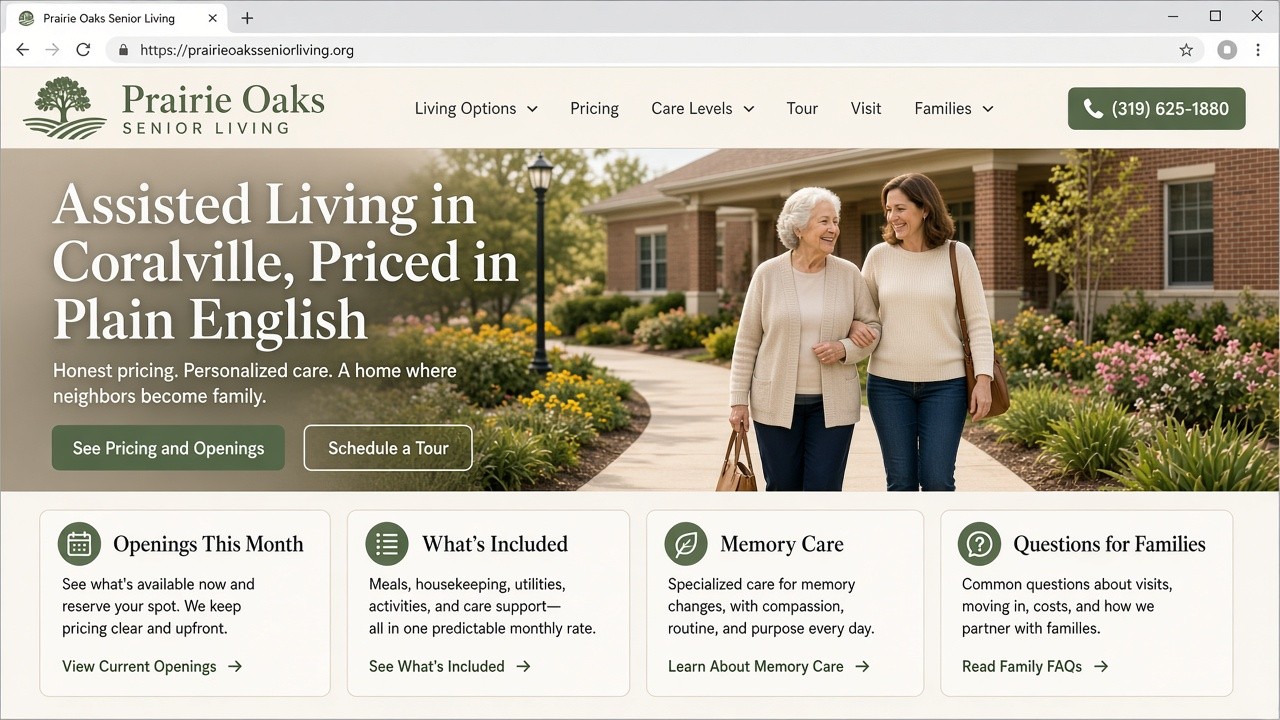
A senior living website should answer what a worried family asks at 11 at night: what it costs per month, whether you have an opening, what rent includes and what costs extra, what level of care you can handle, who is on staff overnight, and what happens if Mom’s needs change. Put those answers in plain text on pages you own, and keep the openings page dated. That is the marketing. Design is the layout that makes it easy to read for a tired adult child on a phone, and easy for search and AI to cite.
Most senior living sites say the same three things: “vibrant community,” “compassionate care,” and “call for pricing.” Then the family calls four places, gets four different answers, and picks the one that was clearest. Clear wins this business. If your site hides price and care details, the family will find a place that does not.
Who is reading the site
Senior living traffic comes from a few groups.
Adult children. They are usually the ones searching, often from out of town, often after a fall or a hospital stay. They want price, openings, care levels, and how fast a move can happen.
The future resident. They want to know if it feels like home: the room, the food, the activities, the pets, and whether they can keep their car.
Hospital discharge planners, social workers, and home health nurses. They want to know what care you take, whether you have an opening this week, and who to call.
Search engines and AI assistants. When someone asks ChatGPT, Gemini, Grok, or Google “how much is assisted living in Coralville” or “memory care near Cedar Rapids that takes the Medicaid waiver,” those tools look for plain facts on pages they can read. A brochure PDF and a “request info” form give them nothing.
What the homepage has to say in the first screen
In plain HTML text, not baked into a graphic:
- Your name, your town, and the types of living you offer: independent, assisted, memory care, respite
- A price starting point, or a link straight to the pricing page
- Whether you have openings right now
- Who you are licensed or certified for, in plain words
- Two clear buttons: See Pricing and Openings, and Schedule a Tour or Call
A family that sees a price and an opening in the first screen keeps reading. A family that sees a sunset photo and “Discover the difference” hits back.
The pricing page is the page competitors skip
Almost no one in senior living posts prices. That is exactly why it works. Families compare on cost first, and so do the AI tools they ask.
You do not have to post every number. A page with ranges and the reasons behind them does the job:
- Monthly rent ranges by apartment type: studio, one bedroom, companion suite
- What drives the price: room size, care level, second occupant
- One-time fees: community fee, deposit, and whether any of it is refundable
- How often prices change and how much notice residents get
- A plain line about what you do not include, so there are no surprises
A line like “Assisted living studios run $X to $Y a month, with level one care included” is a sentence a family can act on. “Contact us for a personalized quote” is a sentence they skip. Use your real numbers, and put a date on the page.
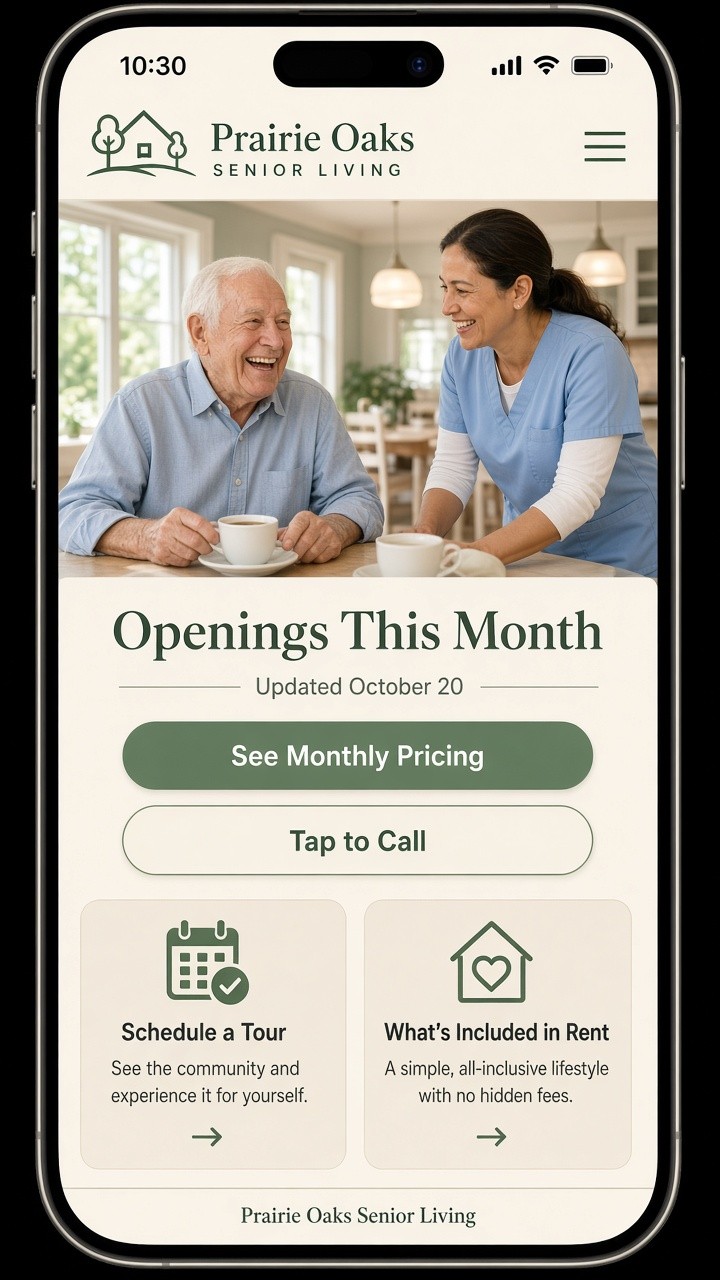
A dated openings page
Openings change every month. Give them a page you update when a room opens or fills:
- A date at the top: “Updated October 20”
- What is open now, by type and floor plan
- What is on hold or has a waitlist
- How the waitlist works and whether a deposit holds a spot
- Respite or short stays, and how soon you can take one
Discharge planners love this page. So do families on a deadline. Over time, those updates also tell search and AI your community is active and current.
What rent includes and what costs extra
This is where families get burned and where trust is won. Spell it out:
- Included: meals, housekeeping, laundry, utilities, cable, internet, activities, transportation
- Extra: medication help, incontinence care, two-person transfers, escorts to meals, salon, guest meals
- How you price care: a points system, care levels, or a flat rate
- What a typical move-in month looks like on the bill
A simple table of included versus extra, in text, saves an hour of phone calls and a lot of hard feelings later.
Care levels and the assessment
Families do not know what “level two” means. Tell them:
- Who does the assessment, a nurse or the director, and when
- What each care level covers, in plain examples
- What you can handle: diabetes, oxygen, wheelchairs, Hoyer lifts, hospice in place
- What you cannot handle, and where you would refer someone
- How often care is reassessed, and how a family is told when the price changes
The page that says “we can manage insulin, we cannot provide skilled nursing” is honest, and honest gets tours.
Staffing, safety, and the night shift
Every family wonders about 2 a.m. Answer it:
- Who is on site overnight, and how many staff
- Whether a nurse is on site, on call, or both
- How call buttons or pendants work and your target response time
- Memory care doors, wandering, and outside space
- Your state certification and where to read your inspection results
In Iowa, assisted living programs are certified through the Department of Inspections, Appeals, and Licensing. Link to your public record. Do not post staffing ratios you cannot keep.
When needs change
This is the question families are scared to ask on a tour. Put it on its own page:
- What happens when someone needs more care than you provide
- Whether you have memory care or skilled nursing on the same campus
- How move-outs and notice work
- Hospital stays: is the room held, and what is charged
- Hospice in place: allowed or not
A family that reads this before the tour already trusts you more.
How people pay
Write a plain payment page:
- Private pay, and how billing works each month
- Long-term care insurance: what paperwork you help with
- Veterans benefits: whether you help families apply
- Medicaid waiver: whether you accept it, for which rooms, and if there is a wait
- What happens if a resident spends down their savings while living with you
If you accept the Medicaid waiver, say so clearly. That one line answers a search a lot of families run.
Daily life, food, and visits
The future resident wants to see the life, not just the building:
- A sample week of activities, and a real menu
- Pets: allowed, what kinds, and any limits
- Cars, apartments they can decorate, and what furniture to bring
- Visiting hours, family meals, and how you keep families in the loop
- Photos of your own rooms, dining room, and people, with permission and short captions
Skip stock photos of models on a golf course. Families can tell.
Proof in plain text
- Who runs the place, with names and how long they have been there
- How long your caregivers tend to stay
- Real reviews on a page you own, plus a link to Google Business
- Notes from families, with permission
Do not invent awards, star ratings, or testimonials. State what you can back up.
Content that feeds search and AI without theater
Useful posts for a senior living community read like answers from the director:
- How much is assisted living in Johnson County, and what drives the price
- Assisted living or memory care: how to tell which one Dad needs
- What to pack for a move into assisted living
- Questions to ask on a tour that most families forget
- What the first 30 days look like after move-in
- How respite stays work after a hospital discharge
Each one answers a real question with your own photo. Snap a picture of the fall decorating day or the new garden boxes, with permission. That is a post. That is the kind of page that gets a community named when a family asks where to start.
Why the website matters more now
Websites and SEO are changing. They still matter, and for senior living they matter more now. Bots now make a large share of web requests. Cloudflare’s Matthew Prince has said bots passed humans on Cloudflare’s network in mid-2026, about 57% bots and 43% humans. That counts HTTP requests, not hours of human attention. Families still tour, sit with the director, and sign the lease. More and more, ChatGPT, Gemini, Grok, and Google’s AI answers decide which communities a family hears about first. Those tools look for clear facts: price, openings, care, staffing, and payment.
Your website should be the source of record. Referral directories, Google Business, Facebook, and the hospital’s discharge list can all point back to it. Keep your true prices, openings, care levels, and policies on a domain you own, not on a lead-gen site that sells your family’s phone number to five competitors.
Design rules that fit senior living
- Large readable type and high contrast, for residents and for tired eyes
- Fast on a phone: light pages, compressed photos, text first
- Call and Schedule a Tour one tap from any page
- Navigation: Living Options, Pricing, Openings, Care, Paying for Care, Daily Life, Tour
- Prices, care levels, and policies in real text, not images or PDFs
- Your own photos, with permission, not stock models
- An openings page you can update from a phone in two minutes
- You own the domain, hosting, and content
What Upley does for communities like this
Upley builds and hosts websites for Iowa and Midwest businesses. For a senior living or assisted living community that means plain-text pages for pricing and openings, what is included and what costs extra, care levels, staffing, payment, and what happens when needs change, plus an easy way to post photos from daily life with a few words.
Same Iowa web team that ran Big Ten Web Design, handling design, hosting, and SEO, plus the modern layer so search and AI can find the true file about your community, what it costs, and who you can care for.
If your current site is a slideshow, a brochure PDF, and “call for pricing,” start with the homepage five facts, a pricing page with ranges, and a dated openings page. Then add the care levels and paying-for-care pages.
Book 30 minutes
Thirty minutes. Iowa time. No deck.
Iowa City, Cedar Rapids, Quad Cities / Davenport