
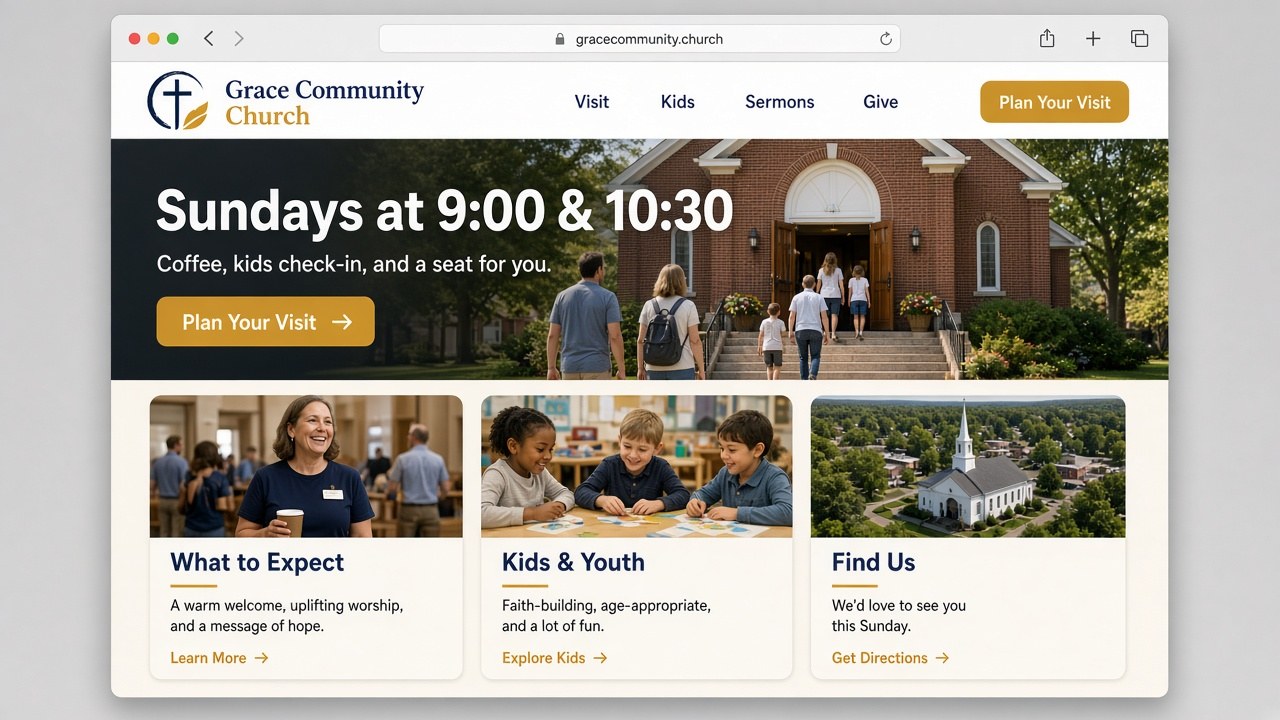
A church website should answer what a first-time visitor wants to know before they walk in: when services start, where to park, which door to use, what happens with the kids, how long it runs, and what people wear. Put those facts in plain text on a site the church owns, and keep them current. That is the marketing. Design is the layout that makes those answers easy to find on a phone on Saturday night, and easy for search and AI to repeat correctly.
Most people who visit a church for the first time have already looked it up. Some found the Facebook page. Some asked a phone assistant for churches near them with a kids program. Some got the address from a neighbor and checked the website to see if the service time was still right. If the site is out of date, or the times are only in a PDF bulletin, the visit gets harder before it starts.
Who is reading the site
Church websites get a few kinds of readers.
New-to-town families. They just moved to North Liberty, Marion, or Bettendorf and want a church home. They compare two or three churches by service times, kids programs, and how welcoming the site feels.
Visitors with one question. What time is the Christmas Eve service? Is there a Saturday evening option? Is the building accessible? They want the answer fast, without scrolling through a long welcome letter.
Members and regular attenders. They check events, sign-ups, the prayer list, the youth calendar, and online giving. They also look up last week’s sermon.
Families planning a wedding, a baptism, or a funeral. They want to know who to call, what the church allows, and whether non-members can use the building.
Search engines and AI assistants. When someone asks ChatGPT, Gemini, Grok, or Google for a Lutheran church in Cedar Rapids with a contemporary service, those tools look for plain facts on pages they can read.
What the homepage has to say in the first screen
In plain HTML text, not baked into an image:
- Church name and the town, plus denomination or affiliation if you have one
- Service times for this week, including any seasonal change
- Street address with a map link, and a note on parking and which door to use
- One clear button: Plan Your Visit
- Phone and email that reach a real person in the church office
A visitor deciding on Saturday night needs the time and the door. Everything else can sit one tap away.
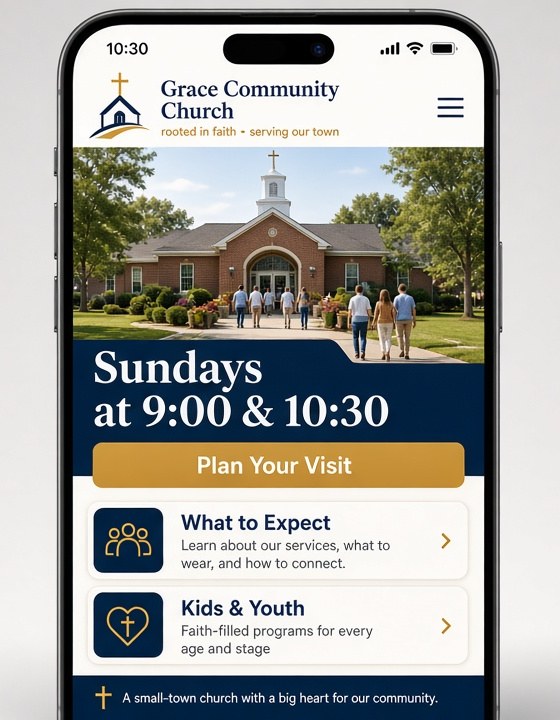
Build a real Plan Your Visit page
This is the most useful page a church can add. It turns a nervous first visit into a known plan.
- How long the service usually runs
- The style of worship, described plainly: traditional, contemporary, blended, liturgical
- What people tend to wear
- Where to park, and whether there is reserved visitor or accessible parking
- Which entrance to use, and who will be there to greet them
- Kids check-in: where it is, what ages, and how parents pick up
- Nursery and cry-room options
- Accessibility: ramps, elevators, hearing loops, large-print bulletins, if you have them
- Coffee, Sunday school, or a gathering time before or after
- Whether visitors are expected to give, and that there is no pressure
Write it the way an usher would explain it at the door. Short sentences. Real names if your greeters are fine with it.
Kids, youth, and safety in plain words
Parents ask about the kids before they ask about the sermon.
- Age groups and what each one does on a Sunday
- Check-in process and how a child is released to a parent
- Background check and safety policy, described honestly and only as far as it is true for your church
- Youth group night, place, and who leads it
- Summer camps, Vacation Bible School, and confirmation classes with real dates
A short, plain safety paragraph does more for a young family than a photo of a bouncy castle.
Service times, holidays, and the calendar
Wrong times cost visitors. Keep this tight.
- One service-times block, edited in one place, shown on every page that needs it
- Holiday and seasonal services listed weeks ahead: Christmas Eve, Holy Week, Easter, summer schedule
- Weather cancellation notes and where the update will be posted first
- An events calendar that lists date, time, room, and who to ask, with old events cleared out
- Sign-up forms on their own pages so the bulletin, email, and Facebook can link to them
If a time changes, change it on the website first. Then post the link everywhere else.
Sermons, beliefs, and who leads
New visitors want a sense of the people before they come.
- A plain beliefs page in your own words, with a link to your denomination if you have one
- Staff and leaders with real photos, a few lines each, and how to reach them
- Sermons with the date, the speaker, the text or topic, and a short written summary under the video or audio
- Small groups and Bible studies with day, time, and place
The written summary under each sermon matters. Video players are hard for search and AI to read. A few honest paragraphs about what was preached are easy to read and easy to cite.
Giving, rentals, and life events
Members and families need clear paths here.
- Online giving on its own page, with the options you actually accept and how year-end statements work
- Weddings, baptisms, and funerals: who to call, basic rules, and whether non-members can use the building
- Building or fellowship hall rental policy, if you offer it
- Community programs: food pantry hours, clothing closet, meals, recovery groups, with days and times
A food pantry with posted hours on a page the church owns is easier to find than one mentioned once in a Facebook post.
Proof that belongs on a URL you own
- Photos of your real people, your real building, and your real events, with permission
- Short stories from mission trips, service days, and community meals, written by someone who was there
- Quotes from members only if they agreed to be quoted
- A link to your Google Business listing, and your address written the same way everywhere
A photo of last month’s pancake breakfast in your own fellowship hall says more than a stock image of a sunrise.
Content that feeds search and AI without theater
Useful pages for a church read like notes from the office:
- What to expect on your first Sunday at our church
- How kids check-in works here
- Christmas Eve and Holy Week service times, posted early
- Our food pantry hours and what to bring
- Who to call about a wedding or a funeral
- A written summary of each Sunday’s sermon
Each one answers a question someone is already asking. That is what gets a church named when a newcomer asks a phone assistant where to go this Sunday.
Why the website matters more now
Websites and search are changing. They still matter, and for churches they matter more now. Bots now make a large share of web requests. Cloudflare’s Matthew Prince has said bots passed humans on Cloudflare’s network in mid-2026, about 57% bots and 43% humans. That counts HTTP requests, not hours of human attention. People still visit churches in person, and they still look first. More and more, ChatGPT, Gemini, Grok, and Google’s AI answers decide which churches a newcomer hears about. Those tools look for clear facts: service times, address, kids programs, accessibility, and how to reach the office.
Your website should be the source of record. Facebook, Google Business, the church app, and the email newsletter can all point back to it. Keep the true times, the visit plan, and the contact path on a domain the church owns.
Design rules that fit a church
- Fast on mobile, with large headings and service times near the top
- Plan Your Visit and Give buttons one tap from any page
- Navigation: Visit, Kids and Youth, Sermons, Events, About, Give, Contact
- Real photos of your people and building, not stock
- Easy for church staff or a volunteer to update times and events without calling a developer
- The church owns the domain, hosting, and content, not a former volunteer or a single staff member’s personal account
What Upley does for churches
Upley builds and hosts websites for Iowa and Midwest organizations. For a church that means a clear first screen with this week’s service times, a Plan Your Visit page in plain words, kids and safety notes, sermon pages with written summaries, an events calendar that stays current, giving that works on a phone, and hosting that stays up for daily crawls. We also make it easy to post photos from Sunday or a service day with a short caption to the website, social, and Google Business.
Same Iowa web team that ran Big Ten Web Design, handling design, hosting, and SEO, plus the modern layer so search and AI can find the true facts about your church.
If your current site is mostly a welcome letter and a link to Facebook, start with the five first-screen facts and a Plan Your Visit page. Then add kids, sermons, and events.
Book 30 minutes
Thirty minutes. Iowa time. No deck.
Iowa City, Cedar Rapids, Quad Cities / Davenport